




How augmented reality can bring brands and people closer together
Augmented reality allows digital objects, information, and animations to be layered onto the environment a person sees through their phone's camera. Unlike virtual reality, it does not replace the physical world — it expands what already exists. A package can reveal a product's story, a catalog can showcase three-dimensional models, and educational materials can transform a static illustration into a visual experience.
This combination of the real and the digital creates new ways to explain, demonstrate, and explore. The user goes from merely observing a piece of communication to actively interacting with it. For businesses, this can increase the time spent engaging with the message and help convey information that would be difficult to communicate through photographs or text alone.
Where can augmented reality be used?
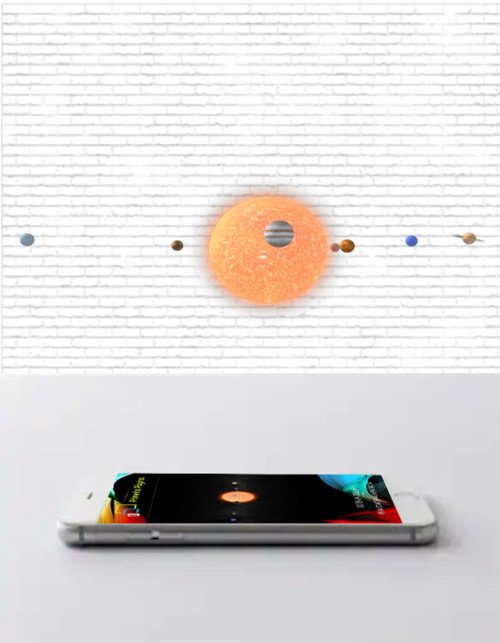
The technology can be applied in advertising campaigns, trade shows, retail stores, packaging, printed materials, training programs, education, tourism, architecture, and real estate. In retail, consumers can visualize a product in their own space before purchasing. In industry, digital instructions can appear overlaid on machinery and components. In schools, three-dimensional models help explore anatomy, astronomy, history, and other subjects.
It is also possible to create filters, characters, and experiences tied to seasonal dates or product launches. The appropriate format depends on the audience, the access channel, and the action expected from the user.
Augmented reality without an app
Many experiences can run directly in the browser. The user accesses a link or QR code, grants camera permission, and starts the interaction without installing an app. This convenience reduces friction and is especially useful in campaigns, events, and packaging, where participation needs to begin quickly.
Augmented reality within a dedicated app, on the other hand, is the most stable option: the app accesses the device's native capabilities directly (ARCore on Android, ARKit on iPhone), offering more precise tracking, better performance, offline functionality, and features the browser cannot provide. This is the recommended format for recurring use, large catalogs, training programs, and deep integrations with other systems — and we also develop experiences of this kind, within dedicated apps. The decision should account for campaign duration, volume of content, devices in use, and the need for updates.
How to plan an AR experience?
The first step is to define the objective. Will augmented reality be used to explain a product, entertain, educate, guide, or encourage a purchase? Next, it is necessary to determine where the user will encounter the experience and how much time they will have available to engage with it.
Instructions must be clear. A short phrase, a camera icon, and a visual cue can help the user understand what to do. 3D models should load quickly and feature simple controls. It is also important to test the solution across different phones, lighting conditions, and connection speeds.
Does augmented reality help drive sales?
The technology can support purchase decisions by reducing uncertainty. When a customer visualizes a piece of furniture in their own living room, virtually tries on an accessory, or examines a piece of equipment from multiple angles, they receive information that more closely reflects the real context of use.
This does not mean every AR experience will automatically generate sales. The content must be useful, access must be simple, and the next step must be clearly indicated. After the interaction, the user can be directed to a product page, quote request, demonstration, or customer service.
How to measure results?
Possible metrics include sessions, unique users, interaction time, models viewed, button clicks, and completed actions. In campaigns, different codes can identify which materials or locations generated the most participation.
Indicators should align with the objective. An educational initiative may evaluate completion rates and correct answers; a product campaign may track views and visits to the purchase page. Analysis helps improve the experience and inform future projects.
Frequently asked questions about augmented reality
Does any phone work? Compatibility depends on the features used, the browser, and the device. For this reason, testing across different devices is essential.
Is special eyewear required? In most campaigns, no. Access can happen through the camera of smartphones and tablets.
Can the content be updated? Yes. Depending on the chosen architecture, text, images, videos, and models can be replaced without altering the physical material that directs users to the experience.
How long does development take? The timeline varies depending on the number of scenes, complexity of the models, interactions, and required integrations.
Augmented reality with purpose
A well-executed application does not use technology merely to impress. It clarifies an explanation, resolves a question, or creates a meaningful point of contact with the brand. When the objective, content, and experience are planned together, augmented reality transforms ordinary materials into moments of discovery and engagement.
Augmented reality for products and e-commerce
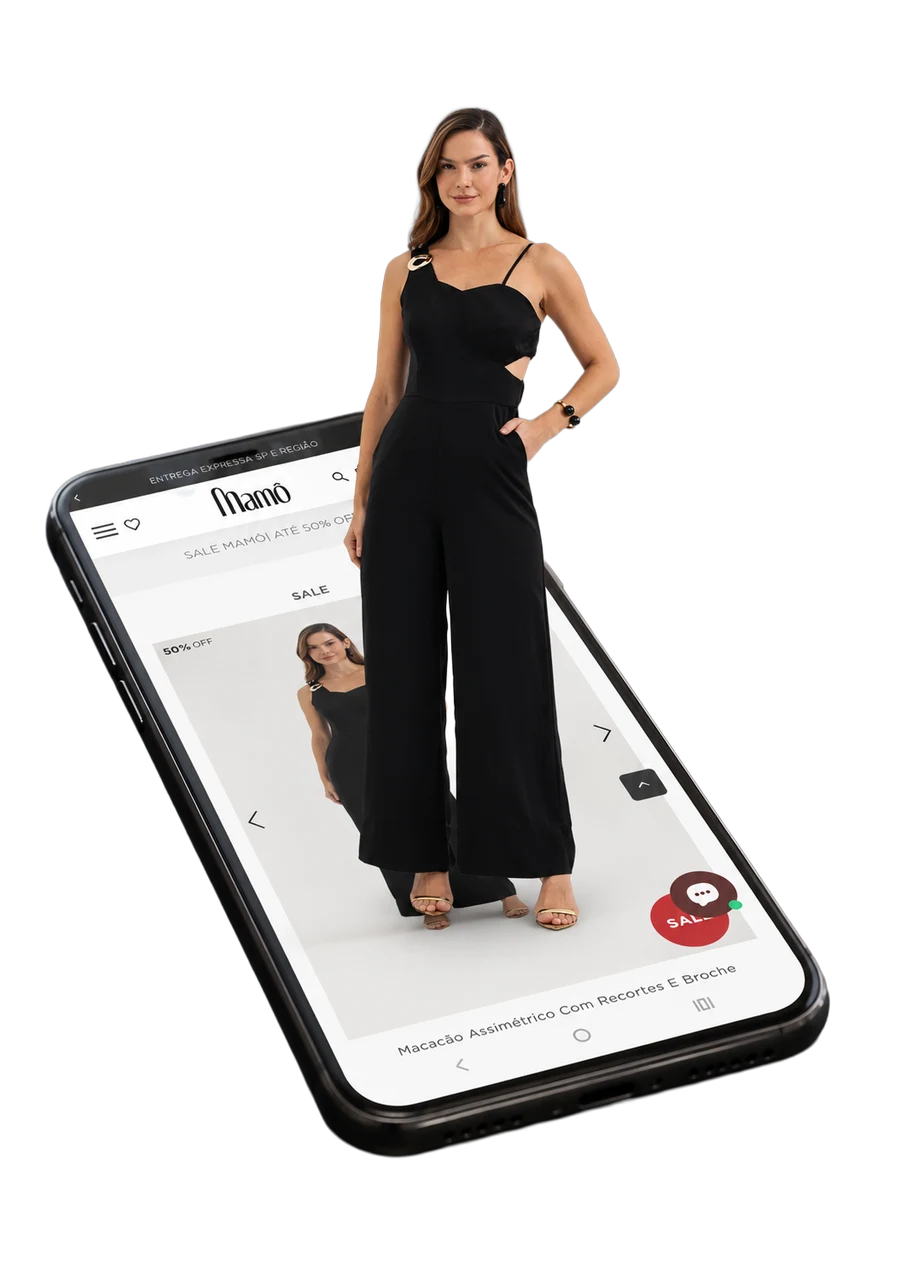
On product pages, three-dimensional visualization can complement photographs and videos. The user can rotate the object, zoom in on details, and — where the feature is supported — project it into their environment. This capability is especially useful when dimensions, proportions, or how the item fits within a space influence the decision.
The digital model must represent the product accurately. Measurements, colors, materials, and variants must be verified, as an inaccurate representation can create misleading expectations. The experience must also keep traditional information available, such as photographs, dimensions, and descriptions. Augmented reality enhances the presentation, but should not be the only way to learn about the item.
For extensive catalogs, it is not always necessary to model everything at once. A company can start with the products that receive the most interest, require the most demonstration, or are most difficult to display physically. User behavior helps determine which items should be added later.
Applications in packaging and printed materials
Packaging can direct consumers to instructions, ingredient origins, demonstrations, games, or stories. Printed materials can reveal videos and 3D objects when recognized by the camera. For the experience to keep working, the digital address must remain active and the content must be maintained.
The invitation to participate should clearly communicate the benefit. "Point your camera and see how it works" is more useful than simply displaying a code without context. It is also advisable to offer a typeable alternative URL, as a phone cannot scan a code displayed on its own screen without additional steps.
For campaigns with extended print runs, the project should define what will happen after the campaign ends. A replacement informational page prevents packaging still in circulation from leading to a non-existent address.
Augmented reality in industry and training
Visual instructions can support inspection, assembly, and maintenance by linking digital information to physical equipment. Development requires input from professionals who are familiar with the procedure. Critical steps, alerts, and tolerances cannot be defined by the creative team alone.
For activities involving safety, the application should serve as a support tool and not as an automatic substitute for regulations, mandatory training, or supervision. It is also necessary to assess whether using a camera and screen is appropriate for the work environment. In certain situations, consulting a manual in a safe location is preferable to using a phone near a hazardous area.
Accessibility and inclusion in the experience
Not everyone can move a device, hear a narration, or distinguish certain visual elements in the same way. Captions, text descriptions, strong contrast, large controls, and navigation alternatives broaden access.
Motion should not be the only way to perform an important action. Instructions should avoid relying exclusively on color. Audio content can be accompanied by text, and essential information should remain available outside the immersive experience.
Model optimization and performance
Heavyweight models take longer to load and may strain the device. For browser-based experiences, it is necessary to balance visual quality and performance. Textures, polygons, animations, and effects are adjusted to preserve relevant details without creating an unnecessarily large download.
Testing should include mid-range devices, not only the hardware used during development. It is important to verify load time, heat generation, stability, data consumption, and behavior when the connection is unstable.
Checklist for commissioning an augmented reality project
Before requesting a proposal, gather the objective, target audience, access location, campaign duration, available materials, and the desired action at the end. Indicate whether 3D models, technical files, videos, or brand identity assets already exist.
Ask which devices will be supported, whether an app will be required, how content will be hosted, and who will handle updates. Request a testing phase and define approval criteria. If data is collected, include privacy, consent, and storage duration in the planning.
A responsible estimate depends on this information. Projects that appear similar on the surface can require very different levels of effort depending on model precision, number of interactions, and integrations.
How to keep the experience relevant
After launch, monitor questions, drop-off points, and areas of greatest interest. Small improvements to instructions can have more impact than adding new features. Seasonal content can be updated, and usage data helps identify what genuinely drives engagement.
Augmented reality delivers the most value when it simplifies discovery and respects the user's context. The technology captures attention on first contact; usefulness, clarity, and solid performance determine whether the person will continue the experience.